
 by
by Our Top Mattress Pick
Whatever sleep technology you use, it only works as well as the mattress underneath you. Saatva's handcrafted innerspring hybrid tops our testing for support, temperature regulation, and durability.
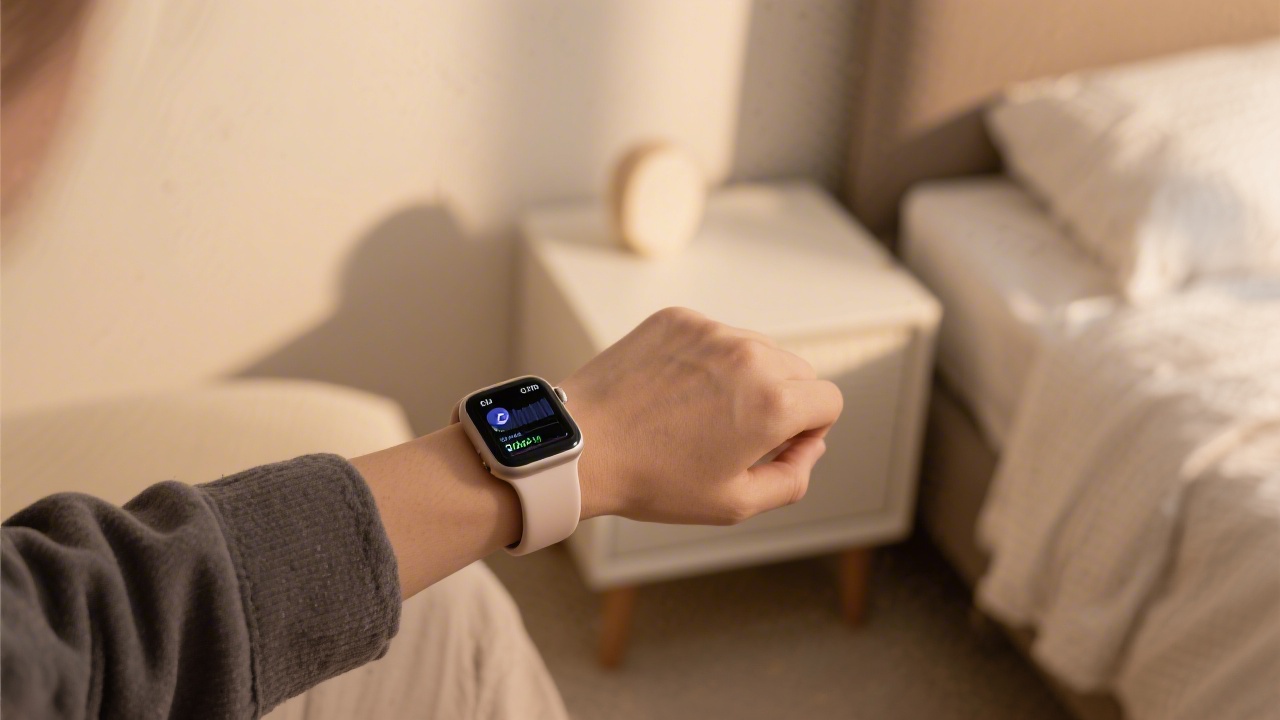
Apple Watch Sleep Tracking: What Changed with watchOS 9
Apple Watch sleep tracking before watchOS 9 was, frankly, minimal — it tracked total sleep duration but offered almost no stage breakdown. watchOS 9 (released September 2022, compatible with Series 4 and later) added sleep stage detection for REM, Core (light), and Deep sleep. That single update transformed Apple Watch from a sleep timer into a genuine sleep analysis tool.
watchOS 10 and 11 have since added refinements to the algorithms and introduced the Mental Health suite, which incorporates sleep data into broader wellbeing metrics. The Health app on iPhone has become a genuinely useful longitudinal sleep dashboard — if you know how to read it.
How Apple Watch Detects Sleep Stages
Apple uses accelerometer data, heart rate from its optical sensor, and on Series 9 and Ultra 2, the blood oxygen sensor, to classify sleep stages. The algorithm processes 5-minute windows (compared to Fitbit's 30-second epochs), which means it's better at identifying macro stage patterns but may miss brief stage transitions.
Apple has not published its full algorithm, but independent research suggests reasonable performance: approximately 79% sensitivity for detecting sleep versus wakefulness, and moderate accuracy for individual stage classification. REM detection appears slightly better than deep sleep detection, which is the opposite pattern seen in Fitbit.
Setting Up Sleep Tracking on Apple Watch
Setup takes about 3 minutes. On your iPhone, open the Health app, tap Browse, then Sleep, then Get Started. Set your sleep goal (Apple recommends 7–9 hours), configure your Sleep Schedule with bedtime and wake time, enable Sleep Mode (which silences notifications and dims the screen), and turn on Charging Reminders to ensure you charge before bed rather than during the night.
On the watch itself, confirm that Sleep is enabled in the watch's Health settings and that Track Sleep with Apple Watch is toggled on. Wear the watch to bed — Apple will detect sleep onset automatically, no manual tracking required.
Apple Watch Sleep Accuracy vs. Fitbit vs. Oura
Direct comparisons across multiple user tests show Apple Watch performing similarly to Fitbit for total sleep time (typically within 5–15 minutes), but with notable differences in stage breakdown. Apple Watch tends to show less REM sleep than Fitbit, which may actually be closer to laboratory values — Fitbit systematically overestimates REM.
Against Oura Ring, Apple Watch matches on total sleep time but shows more variability in deep sleep estimates. Oura's finger-worn sensor position gives it a more stable optical reading than a wrist-worn watch, which gives Oura a consistent edge in HRV accuracy. However, Apple Watch's integration with the broader iPhone health ecosystem — medications, mindfulness, activity — makes the sleep data more contextually useful.
| Feature | Apple Watch | Fitbit Sense 2 | Oura Ring |
|---|---|---|---|
| Sleep stages | REM/Core/Deep | REM/Light/Deep | REM/Light/Deep |
| Sleep Score | No | Yes (0-100) | Yes (0-100) |
| HRV | Yes (nightly avg) | Yes | Yes (5-min intervals) |
| SpO2 | Spot-check + nightly | All-night range | All-night continuous |
| Battery life (sleep) | Requires nightly charge strategy | 4–6 days | 5–7 days |
The Battery Problem with Apple Watch Sleep Tracking
The most practical challenge with Apple Watch sleep tracking is the 18–36 hour battery life (depending on model and usage). Most people charge during the day, which means the watch is always available for sleep tracking. But if you forget to charge after a day of heavy use, you'll go to bed with a dead watch.
Apple's recommended workflow: charge for 30 minutes before bed while you're doing your wind-down routine. With Series 9 and Ultra 2, 30 minutes provides roughly 8 hours of sleep tracking. Series 10 extended battery life slightly, and Apple Watch Ultra 2 comfortably lasts through two nights without charging.
Using Apple Sleep Data Effectively
The Health app's Sleep section shows a 14-day rolling average at the top — this is your baseline. Look for patterns rather than obsessing over single nights. If your deep sleep percentage drops below 15% for several consecutive nights alongside low HRV, that's a meaningful signal worth investigating.
The respiratory rate metric (shown as breaths per minute during sleep) is underappreciated. An increase of 2+ breaths per minute above your baseline, especially combined with elevated resting heart rate, often precedes illness by 24–48 hours. The Vitals app in watchOS 11 surfaces these correlations automatically.
For acting on the data, your mattress's temperature management matters — see our guide to the best cooling mattresses. For comprehensive sleep setup advice, our sleep setup guide covers environmental factors that affect the numbers your Apple Watch records.
Our Top Mattress Pick
Whatever sleep technology you use, it only works as well as the mattress underneath you. Saatva's handcrafted innerspring hybrid tops our testing for support, temperature regulation, and durability.
Frequently Asked Questions
Does Apple Watch track sleep stages?
Yes, since watchOS 9 (2022). Apple Watch Series 4 and later can track REM, Core (light), and Deep sleep stages. Earlier watchOS versions only tracked total sleep duration. The data appears in the Health app under Sleep.
How do I turn on sleep tracking on Apple Watch?
Open the Health app on iPhone, tap Browse, then Sleep, then Get Started. Set your sleep schedule, enable Sleep Mode, and turn on charging reminders. On the watch, confirm Track Sleep with Apple Watch is enabled in Settings > Sleep.
Is Apple Watch sleep tracking accurate?
Apple Watch achieves approximately 79% accuracy for detecting sleep versus wakefulness. Sleep stage classification is moderately accurate — comparable to Fitbit for total sleep time, with REM detection slightly better than deep sleep detection. All consumer trackers are less accurate than clinical polysomnography.
Can Apple Watch detect sleep apnea?
Apple Watch cannot diagnose sleep apnea, but watchOS 11 introduced respiratory disturbance detection that can flag patterns consistent with disrupted breathing. This is not a medical diagnosis — consult a doctor if you suspect sleep apnea.
Which Apple Watch is best for sleep tracking?
Apple Watch Series 9 and Ultra 2 offer the best sleep tracking with the most advanced sensors. Series 8 and later are also strong options. The main difference between models for sleep is battery life — Ultra 2 easily lasts multiple nights, while Series 9 requires daily charging.
Key Takeaways
Apple Watch Sleep Tracking is a topic that depends heavily on individual needs and preferences. The most important thing is to consider your specific situation — your body type, sleep position, and personal comfort preferences — before making any decisions. When in doubt, take advantage of trial periods to test before committing.